
The phrase “YouTube to MP4” has skyrocketed in popularity in 2025, reflecting a global need to access video content offline, whether for entertainment, education, or content creation. With countless tools, evolving legal frameworks, and updated methods, users must navigate this space wisely.
What Is “YouTube to MP4”?
“YouTube to MP4” refers to the process of downloading a YouTube video and converting it to the MP4 format for offline playback on smartphones, computers, or TVs. MP4, or MPEG-4 Part 14, is one of the most widely supported digital video formats, known for its balance of quality and efficiency.
Why Convert YouTube Videos to MP4?
- Offline Viewing: Easily watch videos without an internet connection, ideal for travelling or slow networks.
- Content Accessibility: Embed, edit, or share video content freely for presentations, learning, or creative projects.
- Device Flexibility: MP4 files run smoothly on nearly every modern device or operating system.
- Quality Control: Keep control over the resolution and file size, preserving clarity for 4K TVs or compact devices.
Step-by-Step: How to Convert YouTube to MP4
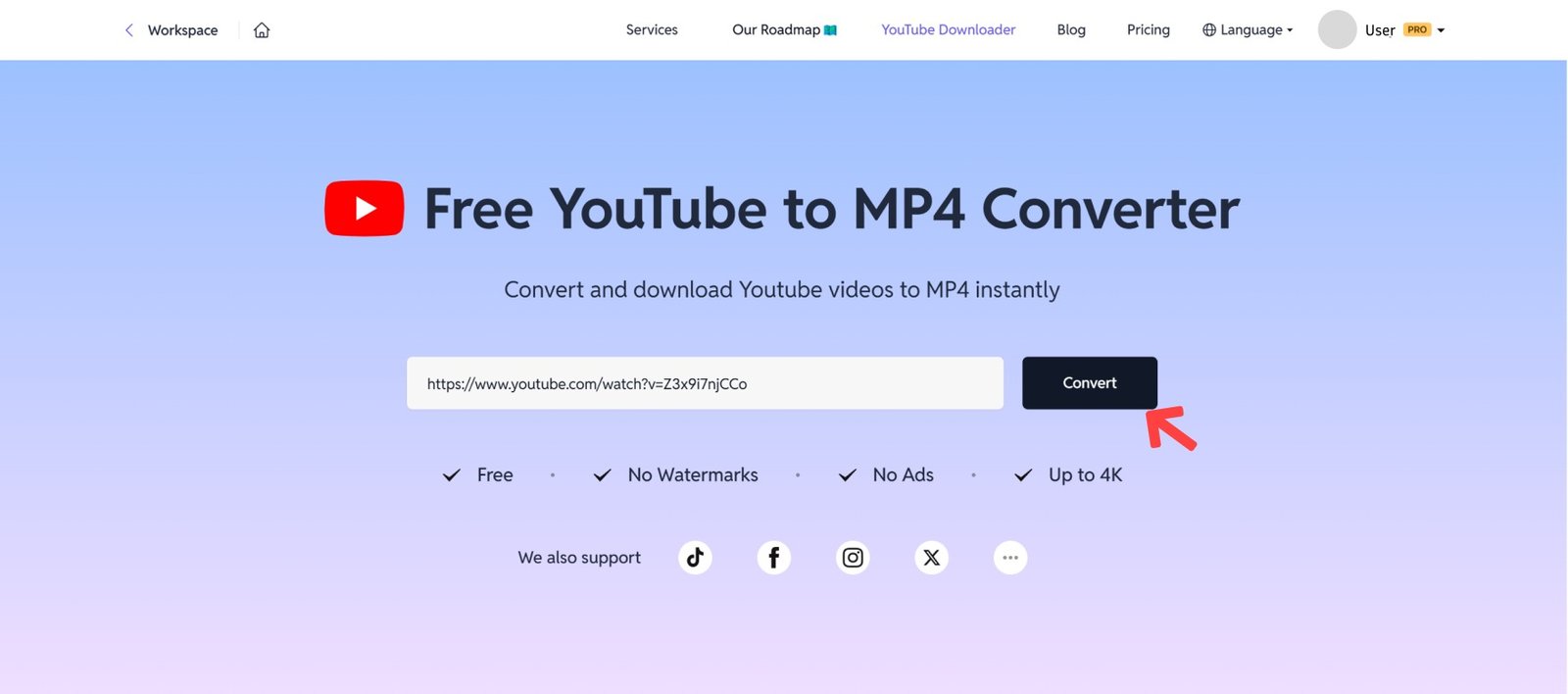
- Find the Desired YouTube Video: Copy the video’s URL from the browser address bar.
- Choose a Converter Tool: Select an online service or app (see top options below).
- Paste the URL: Place the link in the converter’s designated field.
- Select MP4 Format and Quality: Many tools let you pick HD, Full HD, or even 4K.
- Convert and Download: Click convert, then download the MP4 file to your device.
- Open the File: Use any media player (e.g., VLC, Windows Media Player) to enjoy your content.
The Best YouTube to MP4 Converter Tools (2025)
Note: Most reputable tools do not require registration. Open-source or ad-free options are safest for frequent use.
Legal and Ethical Considerations
Converting YouTube videos to MP4 is a legal grey area. YouTube’s terms of service generally prohibit downloading videos unless the video has an official download or a Creative Commons license. Legal risks include:
- Violation of Terms: Downloading copyrighted content without permission can result in a YouTube account suspension or legal action.
- Education/Personal Fair Use: Downloading for non-commercial, educational, or personal purposes may fall under fair use—but always confirm legality in your region.
Ethical Tips:
- Only convert content you own, have permission for, or are labelled for reuse.
- Support creators by viewing content through official means when possible.
Technical Tips: Maximising Video and Audio Quality
- Select the Highest Resolution Available: Opt for 1080p or 4K when offered for best results.
- Check Frame Rates: Some converters let you choose between 30 fps and 60 fps for smoother playback.
- Beware: Higher quality = larger file sizes. Ensure your device has space.
Online vs. Desktop Converters
Online Converters
- Free and accessible from any device with a browser.
- No installation, but some sites show ads or run slowly.
- Examples: Y2Mate, SaveFrom, Ymp4, Dubs.io, Devoice.
Desktop Applications
- Often offer batch downloads, higher resolutions, and greater reliability.
- May require installation and updates.
- Examples: ClipGrab, 4K Video Downloader, YTD Video Downloader.
Safety & Security Guidelines
- Watch for Ads and Malware: Only use trustworthy sites. Avoid those that force extra downloads, pop-ups, or intrusive ads.
- HTTPS Sites Only: Ensure the converter’s site is secure (look for the padlock in the URL).
- Privacy: Steer clear of converters that require personal info or a login.
Formats and Compatibility
Though MP4 is the default choice for video, many converters offer alternate formats for specific needs:
- MP3: Audio-only extraction (for podcasts or music).
- MOV, AVI, MPG: Use when specific software or editing needs arise.
For everyday use, MP4 is the most universally compatible and reliable format.
Use Cases: Who Needs “YouTube to MP4”?
- Educators: Download lessons or lectures for offline teaching.
- Students: Study or revise without internet distractions.
- Travellers: Entertainment on flights, trains, or in remote areas.
- Content Creators: Clip or embed segments in presentations or tutorials.
- Personal Archiving: Collect favourite videos or playlists.
FAQs About YouTube to MP4
Is it legal to convert YouTube to MP4?
Legal if the video is copyright-free, your own, or you have express permission. Otherwise, it risks violating YouTube’s terms of service.
Does quality suffer during conversion?
No, if the right tool and the highest resolution are selected.
Are these converters safe?
Stick to recommended tools to avoid malware and privacy breaches.
Do you need an account?
Most reputable converters do not require sign-ups.